AI, Dance, and the rise of Tiny Tech
This year, I helped run Windy City Throwdown V (WCTV) , the fifth installment of an annual dance battle in Chicago. You may have already read about my training journey for this event, but this article will focus on something else: how I built a custom tech stack for the dance battle. I use this to illustrate why AI tools enable anyone to build any software, and how this is creating an explosion of “Tiny Tech”.
Before diving in, I want to share why I wrote this. You may think that only dancers or aspiring engineers may find this article interesting. I disagree, and I think my goals will illustrate why. After reading this article, I hope you walk away with 3 themes:
- Anyone can do what I do - after the event, I often heard, “How did you do this?” or “I wish I could do that”. I’m a glorified SQL monkey with a biology degree - if I can do this, you can too
- Lean into your community - life has become increasingly isolating. Building for WCTV was a lovely way to get closer to the Chicago dance community
- I’m awesome - what can I say, this is just true
If any of these themes sound interesting to you, I think you’ll like what I have in store. Let’s go!
What is a dance battle?
Dance battles are a way for dancers to showcase their skill, artistry, and story in a competitive environment. You may have already seen battle videos on social media - these clips tend to be incredibly popular! Here are a few examples of amazing dancers doing rounds for House battles:
The videos of the rounds above come from different stages within a battle. Most battles have two stages:
Stage 1: Prelims When you have hundreds of people enter a battle, how do you separate the wheat from the chaff? Prelims let every entrant quickly showcase their skills. You get a predetermined amount of time (like 45s) to dance to music from a DJ. Judges assign scores, deliberate, then select the top X dancers to move onto Top Cut. These rounds are NOT head to head, and are instead done sequentially in order to get through many dancers quickly. | Animation of a dance battle prelim: 16 dancers each take a turn on stage, are ranked, and the top 8 advance to the top cut. |
Stage 2: Top Cut The great dancers who qualified from prelims get to flex their mastery during Top Cut. This involves head-to-head battles where each dancer gets multiple rounds dancing to music. Judges determine winners from each head to head, eventually resulting in an overall winner. | Animation of a 8-dancer single-elimination bracket: each round one dancer per match is chosen at random to advance, until a single winner is crowned. |
Given this, dance battles operators need to be able to:
- Collect registration information (and payment) from dancers
- Organize dancers for Prelims so that they know where they need to be and when
- Enable judges to rank which dancers from prelims should qualify for Top Cut
- Display who has qualified for Top Cut, then show progress through Top Cut
Getting all of these right is critical in delivering a great battle experience!
Step 1: What is the job to be done?
Now we understand the subject area! But before building anything, I wanted to make sure I understood what Windy City Throwdown specifically needed from a dance battle tool. This involved 2 sources of knowledge:
- Discussions with organizers and attendees from last year — special shoutout to Llorenz Meliton, who had already put together a doc with his frustrations from last year!
- My personal reflections from volunteering at the event last year, and what I thought could have gone better
In general, the main complaint was that the event went WAY too late. From conversations, I identified 4 key problems:
Slow registrationsdancers had reasons to stall, and the day started late as a result
Registration itself had three separate problems that compounded on each other:
Missing infoevery battle requires different info. The registration form didn’t ask for everything we needed, so we had to manually ask attendees.Many formsnot only were forms missing questions, there were also multiple forms. Attendees were confused because they (reasonably) assumed that filling out one form was all they needed.Bad incentivesordering for prelims was determined based on the order dancers registered. As a result, dancers would show up and delay registration in order to gain a favorable slot in prelims. This led to the event starting late since most people came right at the end of the registration period.- Slow judgingpaper scoring meant judges had to compare scores, calculate averages, then discuss before anyone advanced
- Slow prelimsdancers only heard who was up next from the MC, so we lost time hunting for them when they missed the call
- Lack of buffer timeno buffer time was built into the schedule, so every delay above cascaded, uncorrected, into the rest of the day
The event started, and ended, WAY too late
If we could address these root causes, we could deliver a much more delightful experience for battlers and attendees, while reducing strain on organizers.
Step 2: Can we be lazy?
Before even thinking about a tech solution to these problems, we need to ask, “can existing tools do the job?”
I went through each problem from last year, detailed the exact gaps, and determined if existing tools could address them:
Solutions Exist
Volunteers needed to manually collect information from battlers during the day of the event. This should NOT happen, we should collect everything we need beforehand!
All we have to do is make a better Google Form.
Battlers would need to fill out forms so we could know who was battling, while ALSO needing to fill out photo release forms and liability waivers. These should all be in one place.
A more thoughtfully crafted Google Form covers it.
Battlers were incentivized to come as late as possible, since ordering for prelims was determined by registration order.
Just a policy change (Google Sheets can randomize lists).
Things being late cascaded into everything else being late, because there were no buffers built into the schedule to absorb delays.
Just a planning change.
Novel Problems
Judges needed pencil and paper to track their scores from prelims, which led to long deliberation periods since they needed to average their scores, determine a ranking, and then finalize it.
Will need research into what's already available.
Battlers would have to listen intently to know when they were up for prelims — if they lost focus, they might miss an announcement. We needed to make it trivially easy to know who’s up next, and visuals would help a lot here.
Will need research into what's already available.
I realized that most issues could be addressed by better planning and better use of Google Forms. However, judging and prelims communication still had genuine gaps. These problems were specific to dance battles, so I started searching for any existing solutions.
The first that came to mind was BreakKonnect. BreakKonnect is a platform that helps battle organizers handle the logistics of an event. However, exploring BreakKonnect revealed some serious gaps. The two most critical were that:
- It didn’t let us add Photo Release forms or Waivers of Liability as part of the registration process, which were critical to risk management for the event organizers
- It didn’t let us import a list of registrants from a CSV — so even if we collected the liability forms and registrations elsewhere, we couldn’t easily import them into BreakKonnect afterwards
As a result, BreakKonnect was not a viable platform for our event.
Unfortunately, we could not be fully lazy — there was a true need that existing solutions simply couldn’t meet. It was time to build a MVP
Step 3: What is the MVP?
To build the MVP, I needed to sketch out the core (minimum) requirements that were needed. After some deliberation, I landed on the tech needing to:
- Create, edit, and manage multiple different battlesWindy City Throwdown consists of 3 separate events, all with unique needs — every tool had to work across all of them
- Load dancersmanual entry, or CSV import, since we'll use Google Forms to collect registrations
Operate Prelimsshow who's up, and who's next, on a live display
We’ll need to be able to show dancers and attendees the order for prelims, and display timers. This will require:
A backend which stores dancer registration dataA tool for operators to handle the needs of prelimsA display to show who is currently up for prelims and who’s up next- Handle Judge Feedback100+ dancers meant judges needed a fast way to track scores — the simplest method: printed PDFs with the battler order
Operate Top Cutrun the bracket, and show it off
We’ll need to be able to communicate the structure of the bracket after prelims, and actually run it. This will require:
A backend which stores which dancers qualified for Top CutA tool for operators to adjust the bracket before it startsA tool for operators to handle the needs of a bracketA display that we can show for attendees and dancers to know what is happeningEvent Customizationslet operators customize the event on the fly
Operators will also need to be able to customize the event:
How long are the rounds for Prelims?How many people should make it out of Prelims and into Top Cut?For each round of Top Cut, how long are the rounds?
A good MVP also requires us to detail what is OUT OF SCOPE. This was what I decided was out of scope for this V0:
Step 4: Let’s Build
Now that we have a direction, let’s start making some simple architecture decisions. First:
- Platform: Web only — we don’t do anything so sophisticated that it would require a native app, and web deployment is much easier than navigating the App or Play Stores
- Language: Flutter — Flutter makes it extremely easy to create code that can be deployed on all platforms, but that doesn’t matter if I’m building for web only. So the real reason I’m going to use it is because I was familiar with the language from previous projects.
- AI Tools: Claude Code — An AI assistant is a requirement for development nowadays. I prefer Claude Code, though I don’t interact with it in my terminal. Instead I use its web UI! For me, it adds just enough friction to push me to review its thought process to ensure I’m understanding the decisions being made. Although I do not have enough of an engineering background to QA the code well, I DO have enough experience to know when the model is making architecture and design decisions that I think are wrong.
With that, I had everything I needed to get started!
How did I set up my repo?
In order to speed up my product development, I focused on getting 3 things set up first:
plan.md
For my own needs, and to make it easy to work through the list of requirements with Claude, I dictated my MVP requirements to Claude and asked it to add a plan.md to a repo I created. Afterwards, I went in and refined the list of requirements, added details where appropriate, and corrected bad assumptions made by the model.
CLAUDE.md
Next, I outlined recommendations to Claude about how I wanted it to interact with the repo, and how I wanted to work with it. One of the most important directions I gave was to have separation of logic and UI: it enables much easier testing, since logic changes can be tested quickly by Claude; if a UI change is needed, we know we don’t need to read the logic files at all; and I think this helps make my development cycle more token efficient, as Claude only needs to read the titles of the files to determine if it needs to load all of it or not.
UI standards files
Finally, I had Claude create files to store colors, constants, and themes that we would use throughout the codebase. This was a very easy way to have a more polished product, with very little effort. In addition, if I ever wanted to make changes (like color customizations), all I had to do was edit the values in these files.
One important aspect not covered here are the CI tests I utilized. The reason I don’t describe these is because I…didn’t write any. At the end of the day, I’m not an engineer - I don’t know what makes for good tests, or what to be adding into here. Instead, I instructed Claude to write its own CI tests, and this seemed to work well enough.
With these first steps completed, I was ready to actually start building. On July 10th, I started iterating through the the requirements of the plan.md with Claude.
Timeline
Shockingly, I had the MVP ready in about 2-3 days of full time work (over the course of a week, as I jumped around a few projects)! Obviously, it was a very rough product, and NOT yet ready for the event, but it was functional. It’s still mind blowing to me what one person is able to do with the tools available today.
Daily PR Activity
54 PRs pushed · Jul 10 – Aug 16
Step 5: Iteration
After reviewing the MVP with stakeholders, their request was: how can we make this more delightful? It was time to turn the MVP into a Minimum “Lovable” Product. For this stage of development, I focused on 2 major topics:
Visual Delight
Dancers are cool as fuck. A tool for dancers should be similarly cool. However, my expertise is not in design, and I have never created displays for public events before. I wanted to make sure we could have a delightful experience, while also keeping my limitations in mind.
Therefore, I focused on 3 areas of improvement:
- Showcasing Dancer Portraits — dancers are cool, so using them is an easy way to make my tool cool. Every battler at the event would get their photo taken, and I wanted to be able to showcase their portrait in the Top Cut brackets
- Display Customizations — During the day of the event, we should be able to easily update the background, the darkness of the background, text sizes, glow effects, positioning of elements, and other aspects. Then, while we’re actually at the venue, we can adjust the visuals as needed for maximum clarity
- Animations — simple animation effects (outlines, grow/shrinks, movement) could greatly enhance the quality of the display, so I used 2-3 PRs to add those in
Resiliency
We would be using this tool for a live event with many dancers and attendees. The app may work perfectly when I’m testing it solo under perfect conditions, but how can I ensure it also delivers during the day of the event?
-
First, I ‘idiot-proofed’ the tools for operators — for example, we didn’t want an operator to be able to move onto the next prelims round until the current dancer had finished their timer (keep note of this…it’ll reappear later).
-
I was also worried about wifi being an issue, so I ensured the tool could work locally without wifi (for short periods of time). For judges, I made sure that the tool could also print judging sheets in case we needed a backup plan
Step 6: The Final(?) Product
So after all of this work, let’s walk through the product, and how it addresses the gaps we outlined in Step 1:
Prelims
My prelims tool lets operators import dancers via CSV, randomize the order for prelims, print off judge sheets (if needed), and start/reset timers for the rounds. In order to ensure dancers always know when they are up, the public display shows the next 5 dancers giving them ample time to go to the prep area.
The operator tool doesn’t look ideal on phones, because it was designed with desktop in mind. However, in a pinch, users can use their phones to control the battle!
Judging Tools
Once Prelims have started, judges get links to their judging sheets. These sheets let judges see who is currently dancing, save scores, and take notes for future reference. The tool also lets judges jump around in order to revisit notes or adjust scoring.
After all judges have submitted their scores, we automatically determine the list of dancers who have made it to Top Cut. Judges can then deliberate with each other (in person) on if they agree with the ranking, or if they want to adjust who does or doesn’t make it to Top Cut.
Top Cut
The Top Cut tool lets the operators customize and run the bracket. There are timers, simple yet engaging animations, and most importantly, photos!
Again, the operator tools were designed with desktop users in mind, but can be used on a phone in a pinch!
There’s a lot more behind the scenes in order to enable all this, but this is the fun stuff I wanted to show off!
Step 7: Show Time
Building the tech was just half the battle — the real question is how did it perform during the event? It’s story time!
Day 1 - Aug 14
The first day was TOUGH. I won’t detail everything that we had to do, but let’s just say there were lots of unexpected issues. I was responsible for 4 things:
- Checking if attendees/battlers had bought tickets for the event
- Registering attendees/battlers, and making sure we had all the necessary info
- Importing the list of battlers into my tool after registrations have closed
- Running: 1v1 Hip Hop Prelims, 3v3 Hip Hop Prelims, and 1v1 Hip Hop Top 28 through Top 16
I want to give a shoutout to my amazing volunteers that helped with Registrations and Tickets. This was NOT easy, and there was so much info that they needed to handle. Taraja, Shosho, Rossa, Toph, Javi, Love, Mia, and Olivia did an amazing job. Thanks to them, this mostly occurred without any issues.
However, two issues came up as soon as we started prelims:
- Dancers were missing in my tool — this turned out to be a human mistake. At the end of registration, we needed to check a checkbox to indicate that yes, this person has completed registration and is here to battle. However, we missed this checkbox for a few dancers.
- I couldn’t skip forward to the next dancer in prelims — remember how I said I idiot-proofed the tool? For example, I could only click “next dancer” if the timer for the previous dancer was finished. Well, there is also a “reset timer” button. If I click that, then I get blocked from moving onto the next dancer, even if the timer for that dancer had finished and I accidentally clicked the wrong button.
These problems were a MESS. Fixing this required some stiff-arming of the tool to get everything back in order, and the missing dancers had to go at the end and could not be judged using the judge tools I built (thankfully, we had printed off paper for the judges for scoring just in case). I even had to make various edits directly to the database in order to try and handle this, and during the meantime there were some confusing experiences for dancers and attendees.
On top of that, we ran into two more issues after we finished prelims:
- Judging takes a lot of time — my tooling helped judges save scores, but it takes time for the judges to argue through the ranking, and land on a Top Cut that they feel good about. I could do so much more to help guide judges through the most important questions. For example, after submitting scores, judges should be able to see discrepancies: like dancers that they rated very highly, yet did not make the cut. Or highlight dancers had large variance in scores, so they could focus on deliberating about them. I think a more opinionated tool could reduce the time required for judging substantially
- Dancer Photos — One of the best decisions we made was to take portraits of the competitors to use them for the Top Cut brackets. One of the worst decisions we made was to not label each picture with the name of the dancer when the photo was taken. It turns out that trying to remember which portrait is which person is a terrible thing to try to do when you have 100+ dancers, with most coming from out of town. This led to lots of delays as we tried to prepare the 1v1 Hip Hop bracket.
All in all, our goal for the event was for it to finish on time. Unfortunately, we ended about 2 hours late. Admittedly, I was quite dejected after this. I had tried so hard to build something that would prevent the delays, yet came up short.
We spent some time cleaning up the studio after everyone left, and I got home around 3:30 am. We had to be awake very early in the morning to prep for Day 2, so I tried (and mostly failed) to fall asleep.
Day 2 - Aug 15
Day 1 was rough. Because I was only able to get about 2 hours of sleep, Day 2 started off rough:
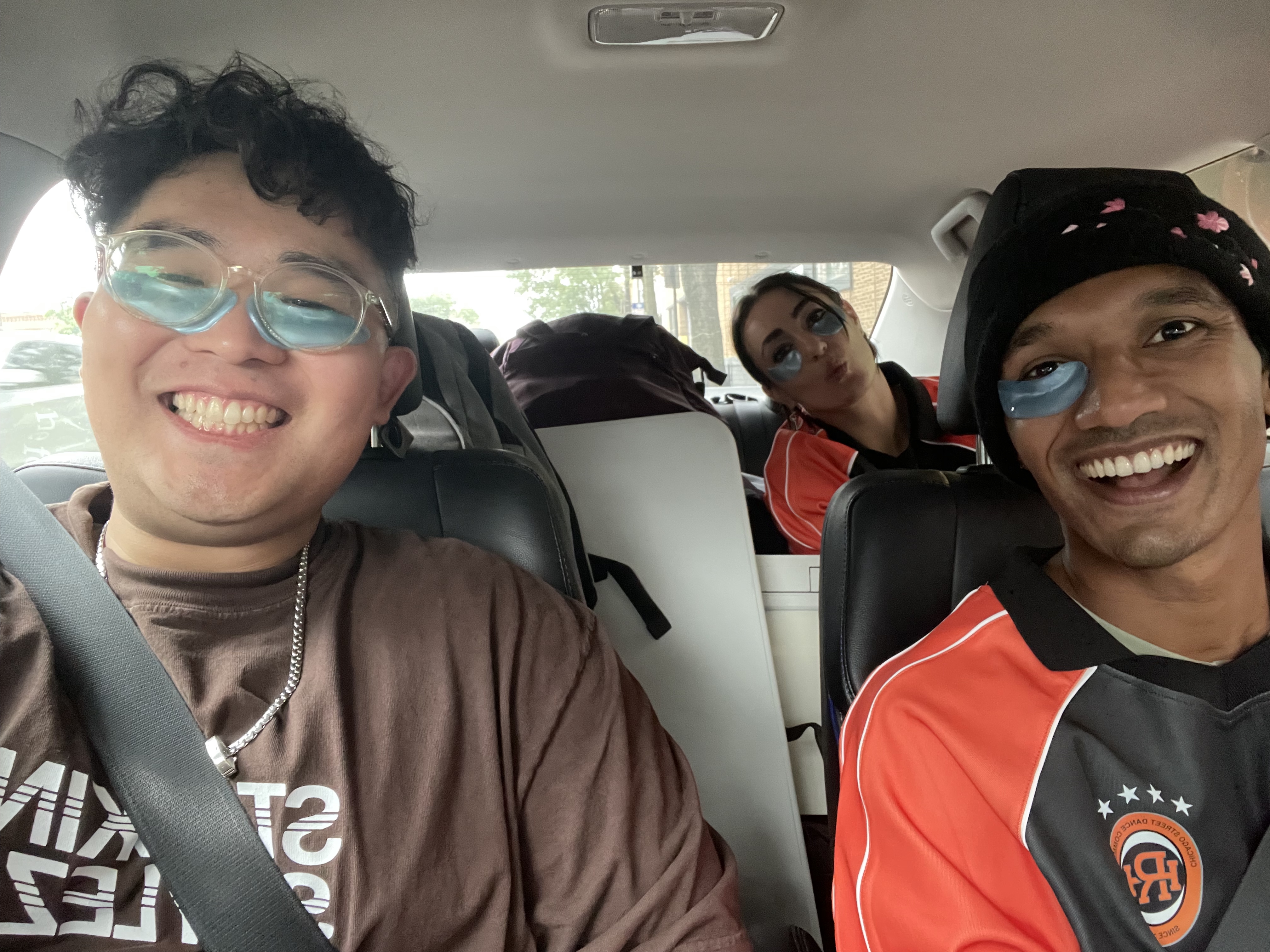
On the car ride over, I was dreading what might go wrong. I kept running through different scenarios, thinking about all the potential points of failure, and planning out what exactly I would need to do to ensure that the tooling didn’t falter the way that it did on Day 1.
Here’s the thing — Day 2 went…perfectly.
I’m being serious — I don’t think there were ANY issues with the tech. We certainly ran into some logistics complexities, but those were independent of the tech. And even with those complexities we actually ended ON TIME!
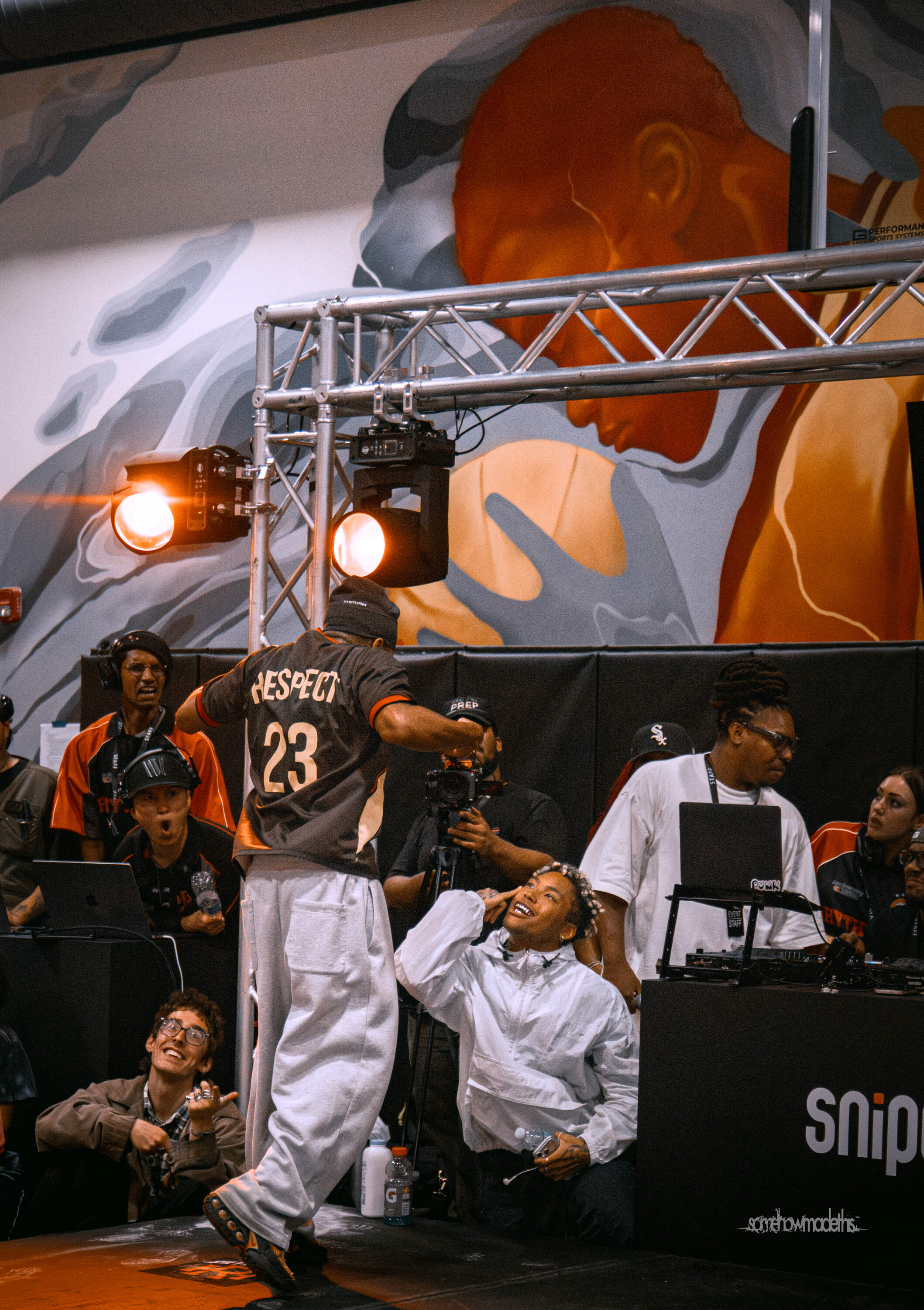
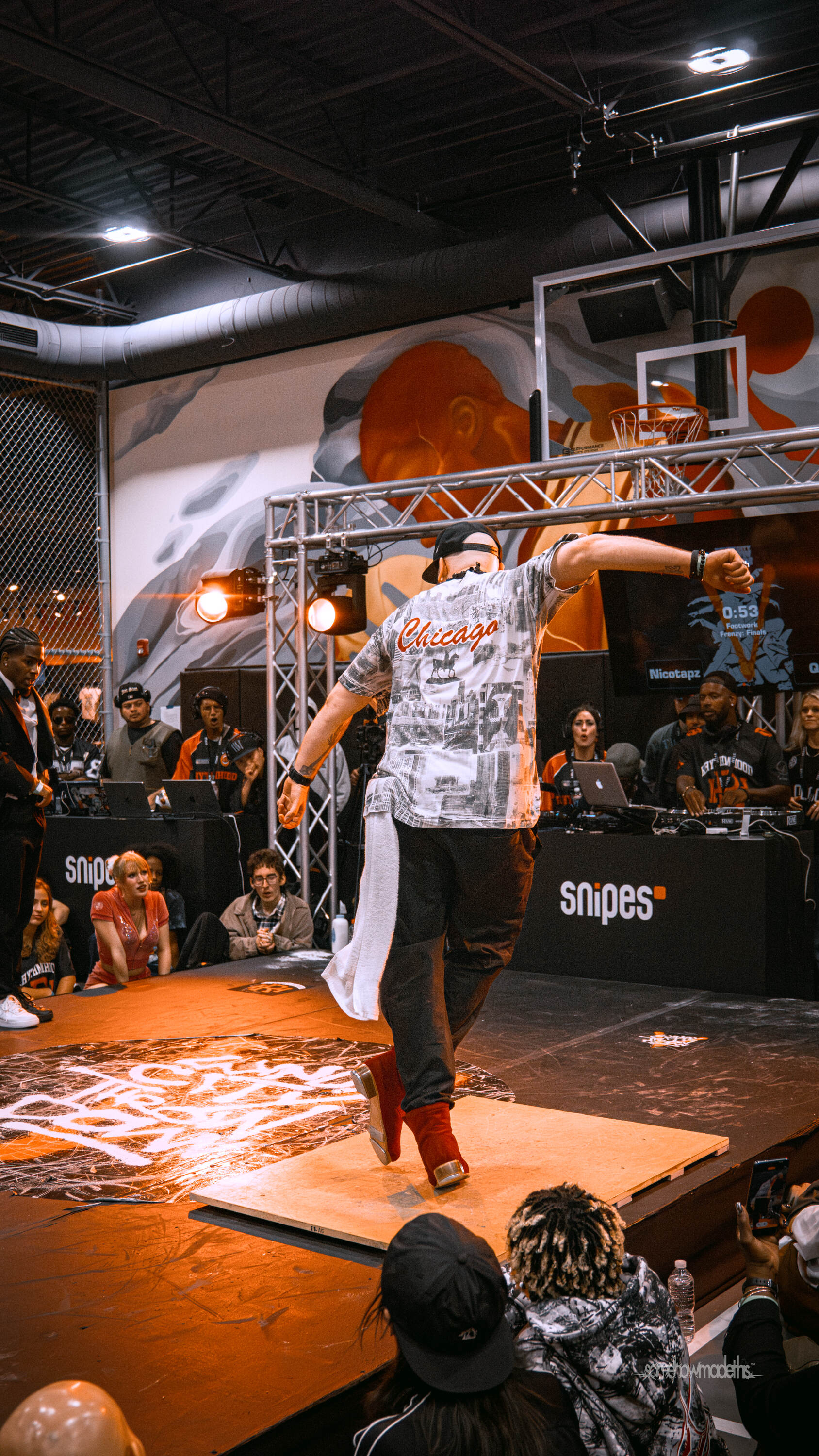
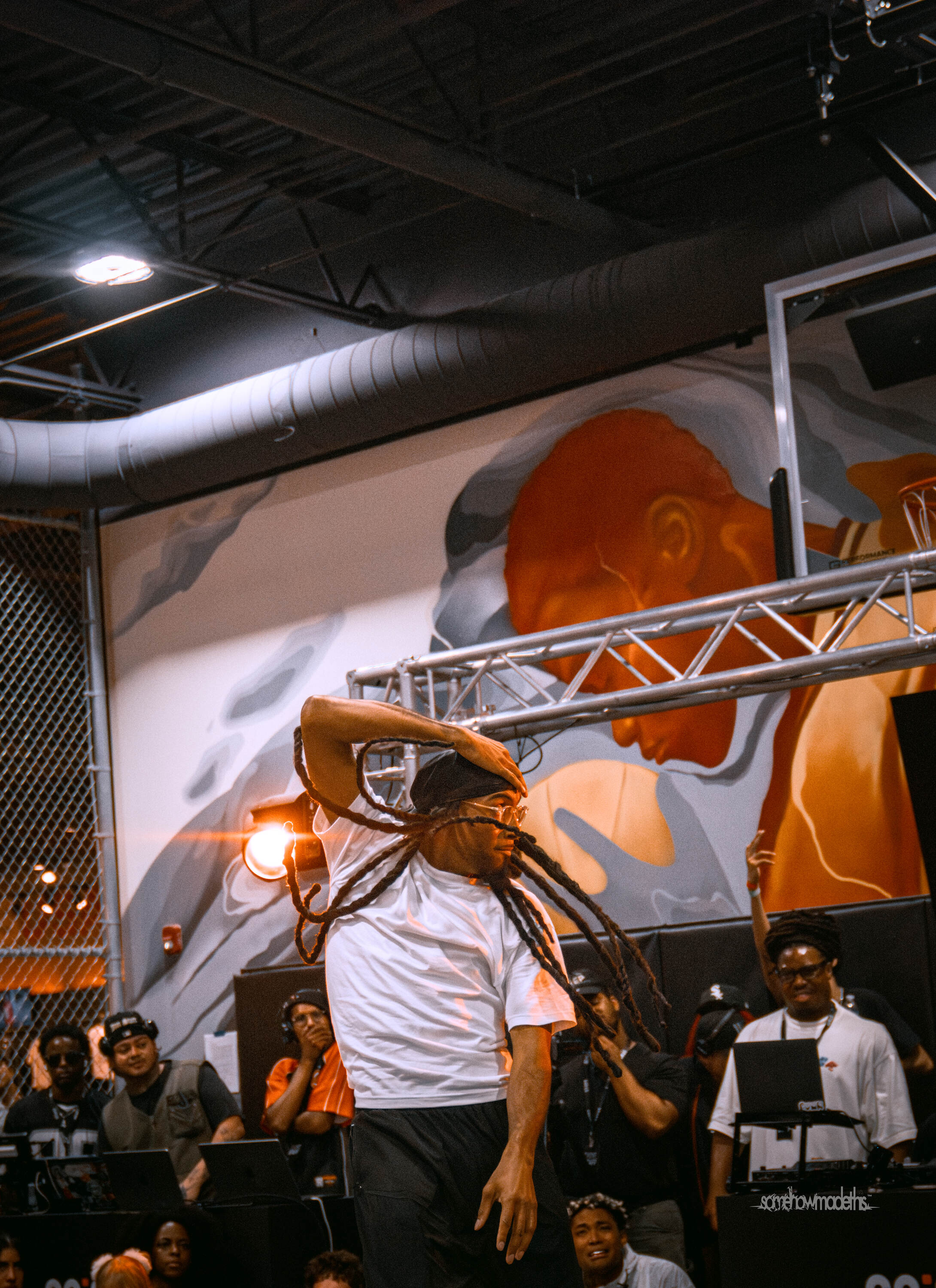
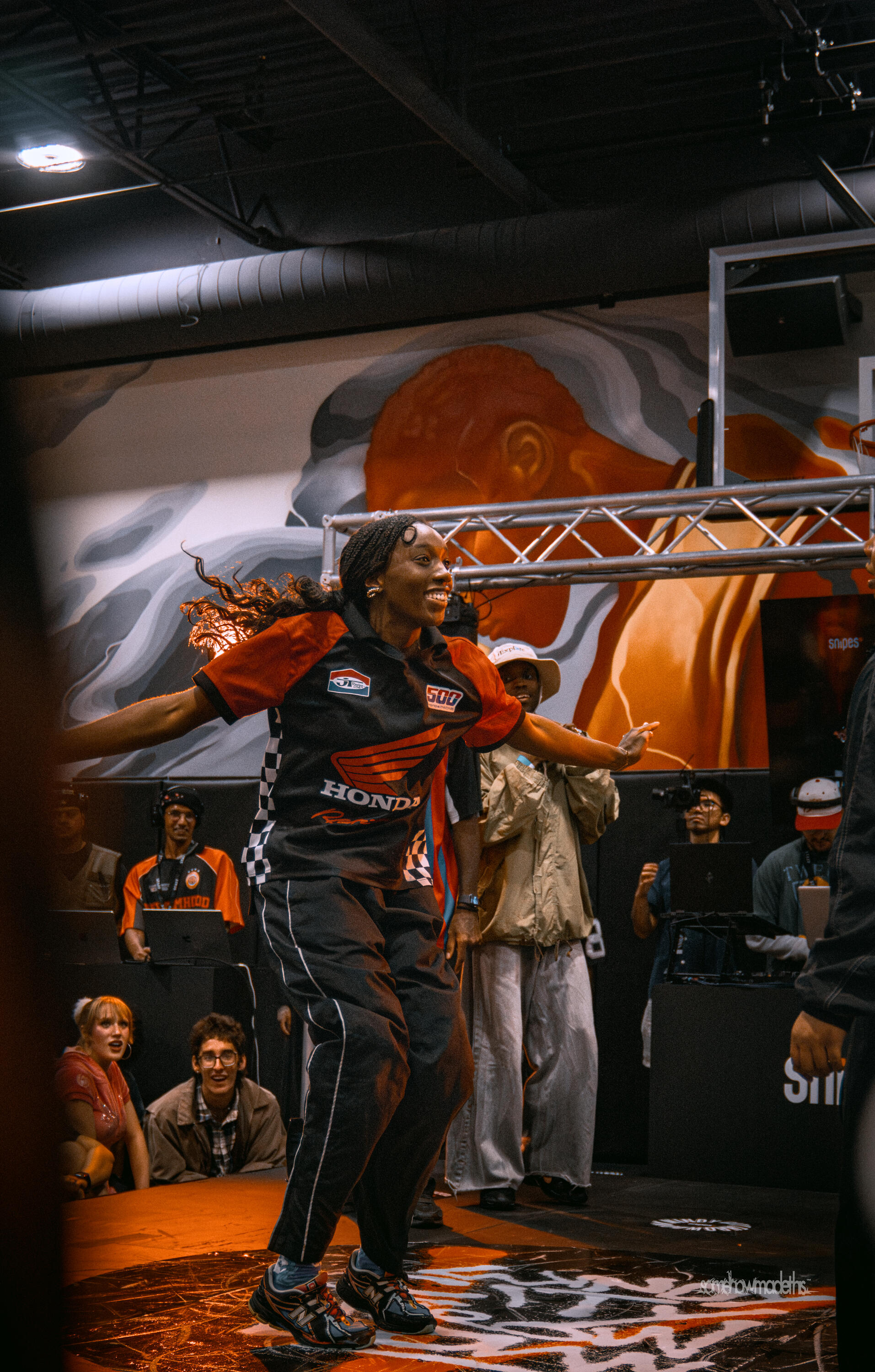
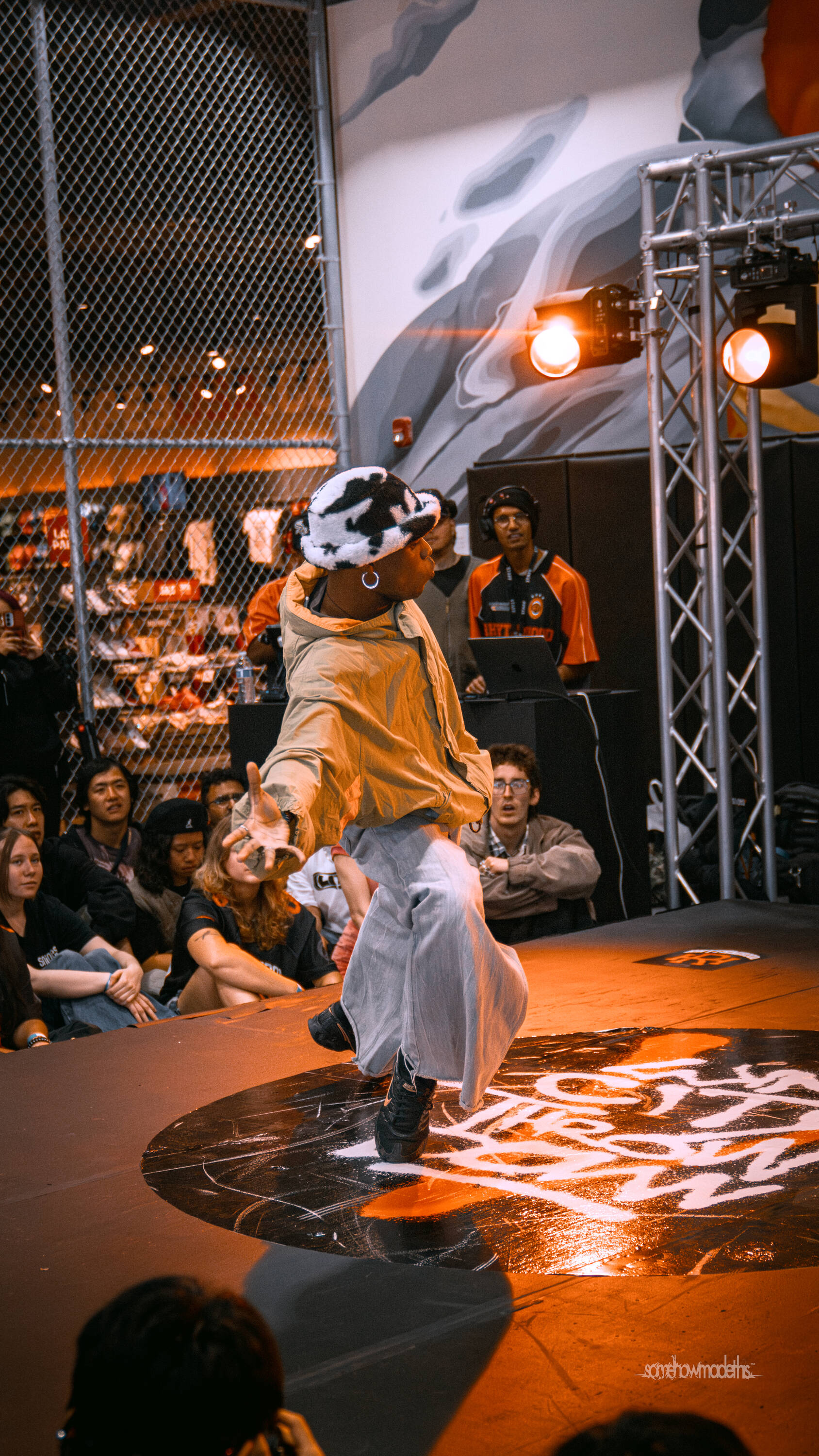
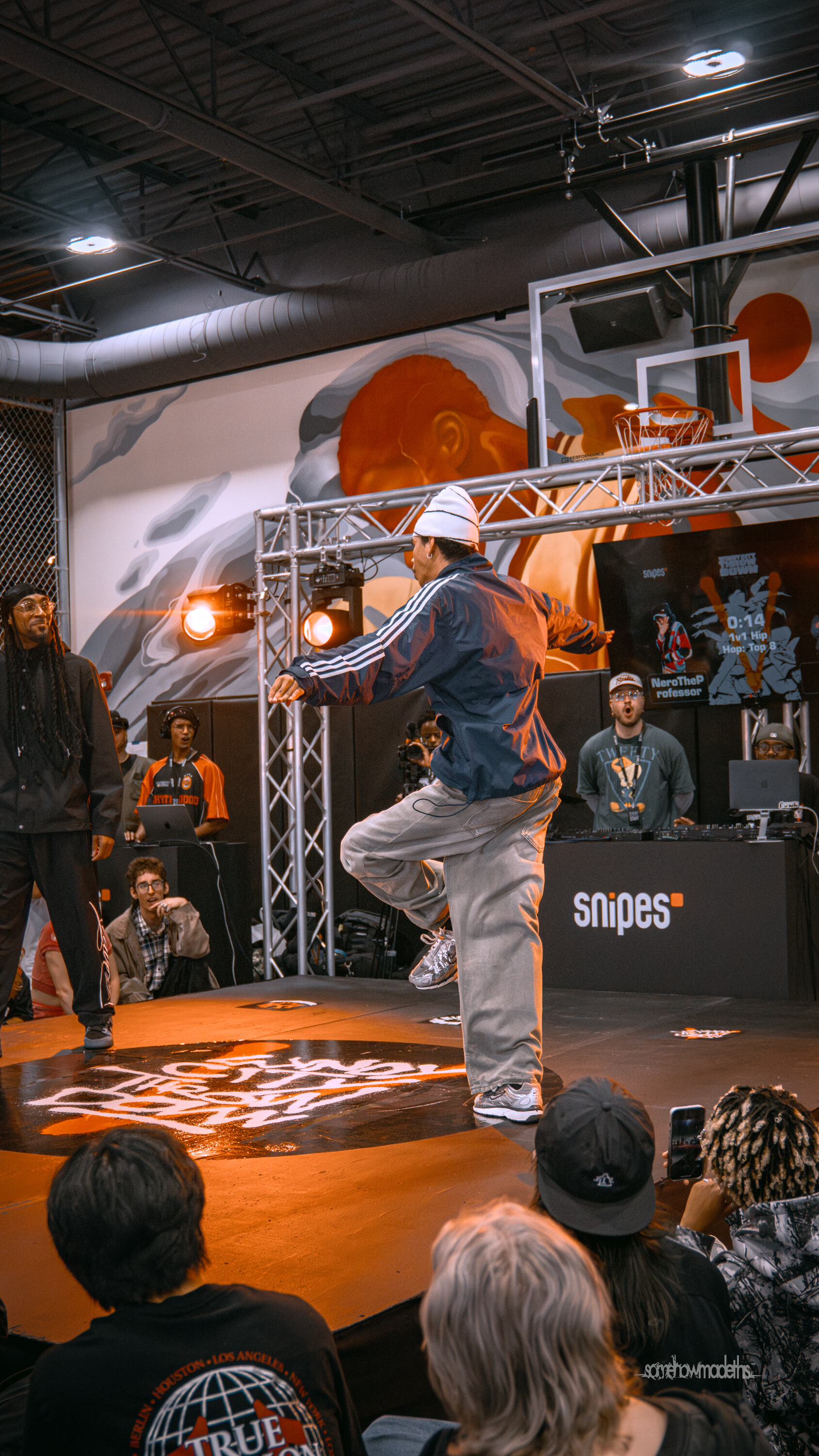
Here are some pictures where you can see me tinkering away — I was relaxed enough that I could actually enjoy the event! Whereas on Day 1 I was barely watching the dancers, I was fully immersed in the moment on Day 2. You can see it on my face (check out the back left of these photos from Alyssa Ramirez )!
Step 8: Retro
Event
Looking back on the leadup to the event, I could have been more thoughtful with my testing in order to avoid the problems on Day 1. In addition, at the end of the article, I outline all the various product features I’d want to add to the tool to address its shortcomings before it gets used again.
However, as much as I want to kick myself for these mistakes, the truth is that: I can only learn these things by trying (and failing). I’ve never run an event like this before. I’ve never built tech like this before. I’m not an engineer or designer or PM or a Dance Battle organizer by training. But man, I’ve learned a lot.
With this in mind, I do want to celebrate our wins: WCTV was a huge improvement over the prior year! Here is a comparison:
- 71% more competitors in the largest event: 1v1 Hip Hop (63 → 108)
- Yet we ran x% less late (x hours late → y hours late)
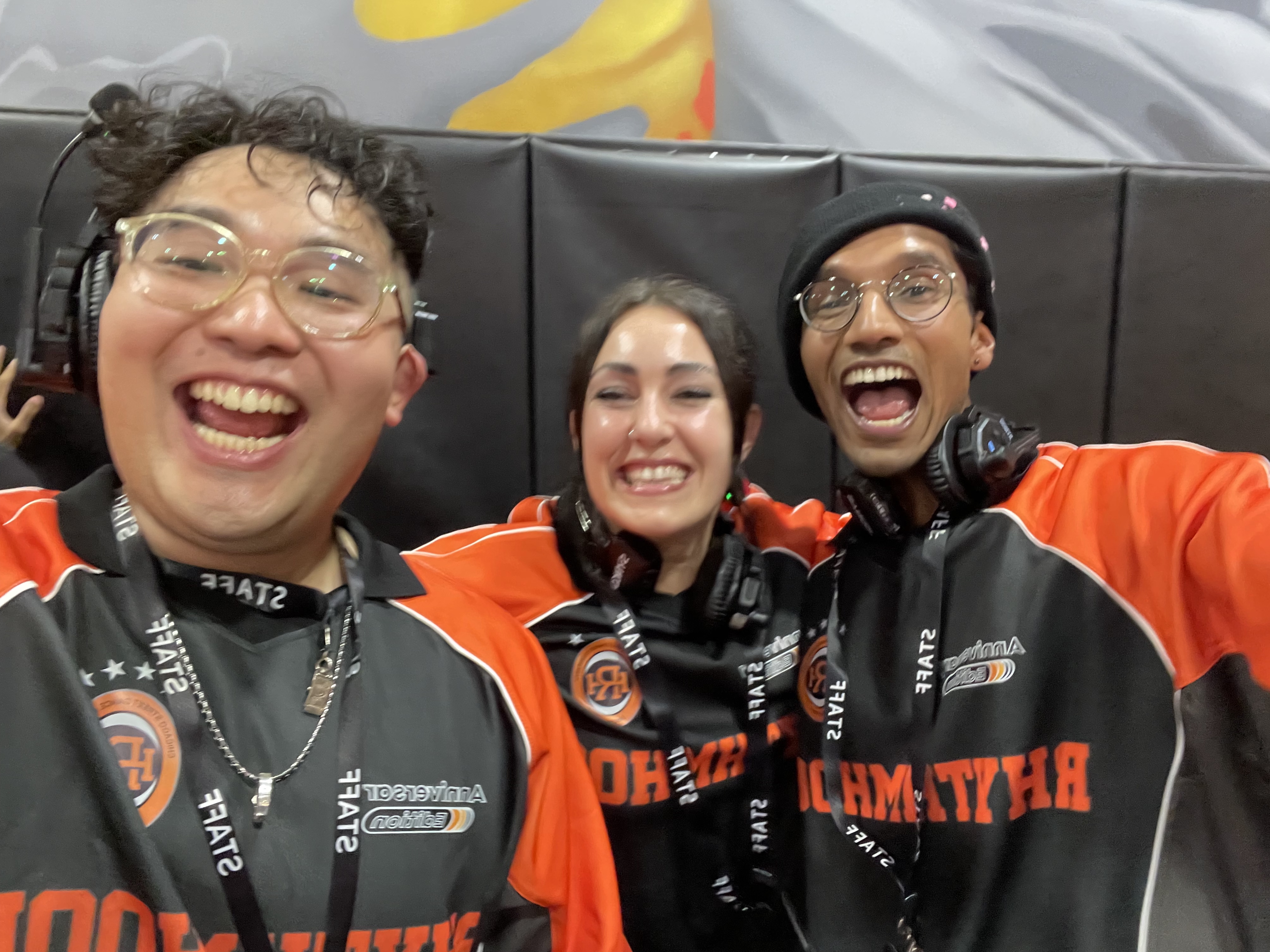
108 competitors for JUST the 1v1 Hip Hop battle is INSANE — I’ve never been to a dance battle that big. Things could have gone better, but I’m so proud of what I built with Lam, KC, Llorenz, BP, and Logan!
In addition to the core team that ran the event, I wanted to also thank the entire Rhythmhood community. Fun fact: WCT4 was my very first dance battle after moving back to Chicago last year. I am amazed by what the community has built here, and absolutely blessed by how welcoming everyone has been. I’m so honored that I’ve been able to find a second home at the studio, and able to learn from such incredible dancers and organizers.
I’ll be honest — working on WCTV was fucking hard. There were definitely some moments where I was like, “what the fuck am I doing here”. But, this adventure was very much a reminder that the only things worth doing are the hard things. And doing these hard things is the best way that I can show my love and appreciation of the community here.
Tiny Tech
If you’ve gotten this far, you might remember a claim I made at the beginning: that this story would show how “tiny tech” was going to explode.
You may, rightfully, be wondering, “what on earth is tiny tech?”. I define tiny tech as any tech product that historically would not have been built due to the granularity of its niche. In this article, the tiny tech is software that makes operations easier for dance battles. If it took a few engineers to create a solution like this (as it would have in the past), there’s no way anyone would have ever spent the time to build it.
However, in a world of AI, you don’t need a few engineers - all you need is someone with a passion for the particular problem, and the desire to learn the technical concepts required to design and architect out a solution. In this particular example, all it took was one non-engineer, a $20/month Claude subscription, a Github account, and about 50 PRs.
What this means is that anyone, anywhere can build technology to solve their needs at a scale previously impossible. In an earlier article, I built a personal tool to help me track my dance training. In a future article, I’ll share a cooking app tailored exactly to my needs.
You may say that, “this isn’t yet feasible for everyone”. And I’d say you’re right - fundamentally, there are three barriers in the way:
- Creativity - can you recognize a problem to be solved and think of a way to solve it? Most people don’t get this far
- Initiative - if you have a problem, do you care enough to spend time working on this?
- Technical Barriers - although I am not an engineer, I still know the basics of building software (Github, PRs, etc). Someone with no experience will still struggle unless they have very high agency and learn what they need
Although I’m skeptical that barriers 1 and 2 will go away, barrier 3 will disappear over time. Even in my short 1.5 years of using AI tools to build apps, I’ve seen mind-boggling progress! I’ve had to rethink and rearchitect my approach every 3-6 months because capability explosions have continually outgrown my workflow. In the future, tools will do everything I discussed in this article in a single shot. In this world, when technical barriers are completely gone, what becomes possible for creators and innovators anywhere in the world? Big Tech will still be around (network effects and economies of scale are incredibly powerful), but problems that tech never touched will soon be revitalized.
I should make clear that this does NOT make me bullish on Lovable (or any of those other build-an-app companies), but that’s a discussion for another day.
What’s next?
I have a lot of ideas on how to improve this tool. Admittedly, I am taking a break from it because I want to work on other things (like posts for this website!). But, if any organizers want to use my tech for future battles, it is ready to go.
In terms of improvements, there are a few areas of opportunity I want to address:
Immediate fixesavoid the issues we ran into this past weekend
FlexibilityEasily add new dancers to prelims, even after it’s startedFlexibilityEasily jump to different dancers for prelims, if neededVisibilityDisplay all the registered dancers for events when registrations close, so people can immediately know if they’re missingHandle registrationswe used Google Forms for this, but I can build something better
Better form customizationScan-to-check-in tools to speed up the processIntegrated photo collection- Handle paymentsEventbrite has crazy fees, I can offer something much cheaper
- Refine the UXthe current tool is a frankenstein of features with little thought to design — we can make it more pleasant and less confusing
If you’ve ever wanted to attend a dance battle, I strongly recommend it! If you’ve ever wanted to build something, I strongly recommend it! If you’ve ever wanted to get closer to the people around you, I strongly recommend it! And with that, I have nothing left to say — in the immortal words of Mr. DJ B-gram P, please: